MyCryptFS
Wrap any folder in AES-256 encryption. Your cloud provider sees only ciphertext — and so does anyone who gets into your account, your backup, or your running machine. You hold the key.
Wrap any folder in AES-256 encryption. Your cloud provider sees only ciphertext — and so does anyone who gets into your account, your backup, or your running machine. You hold the key.
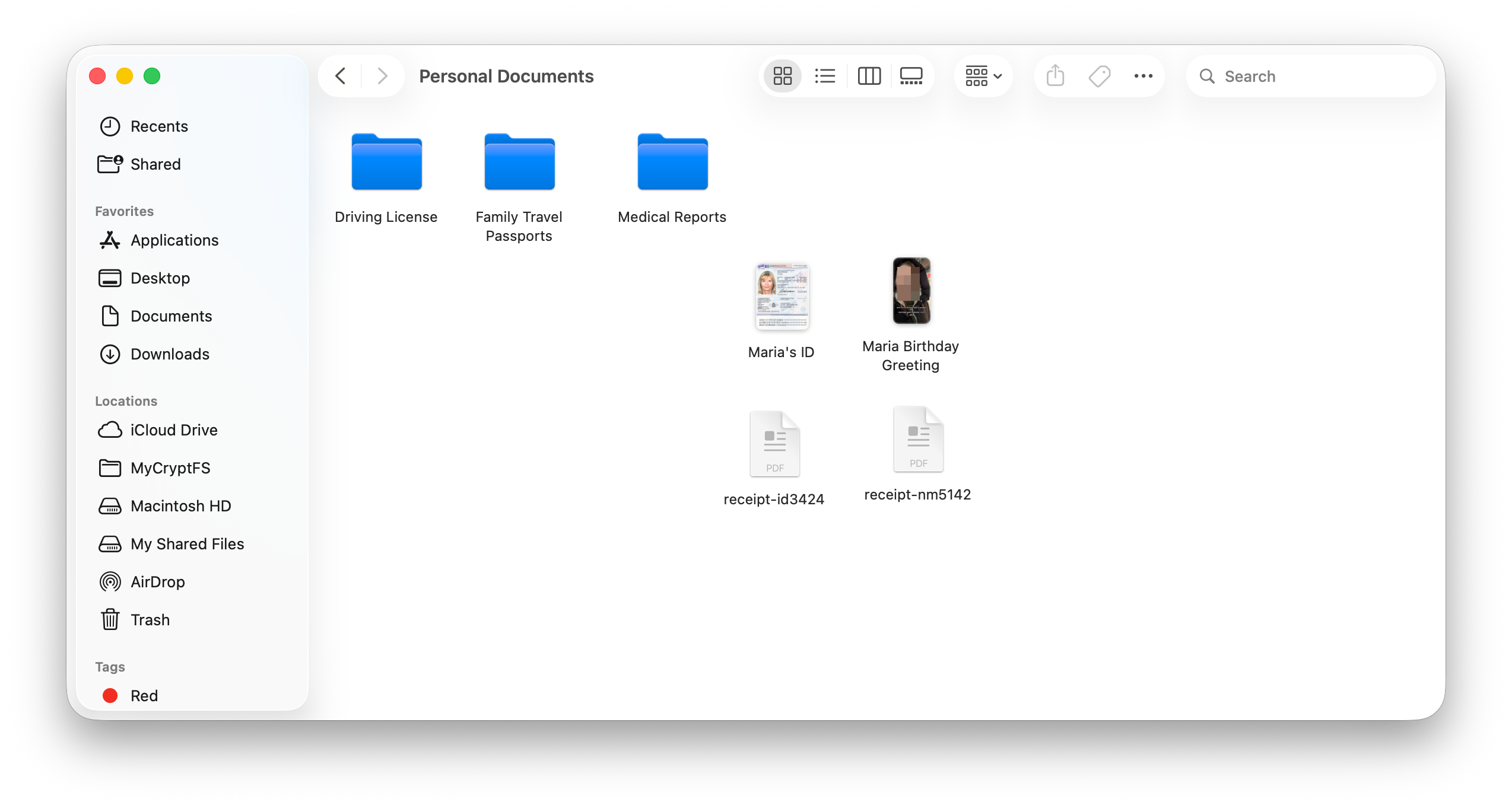
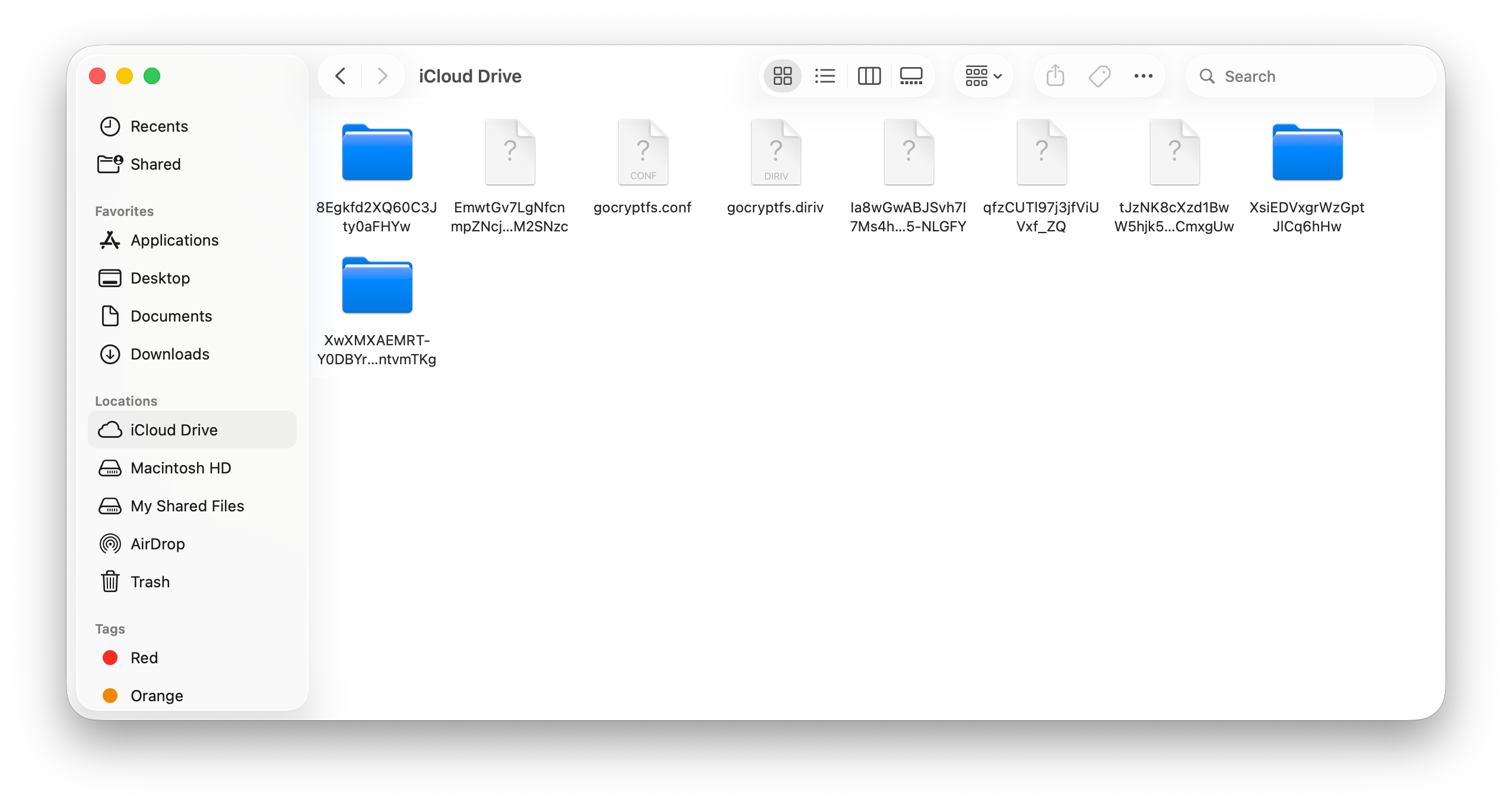
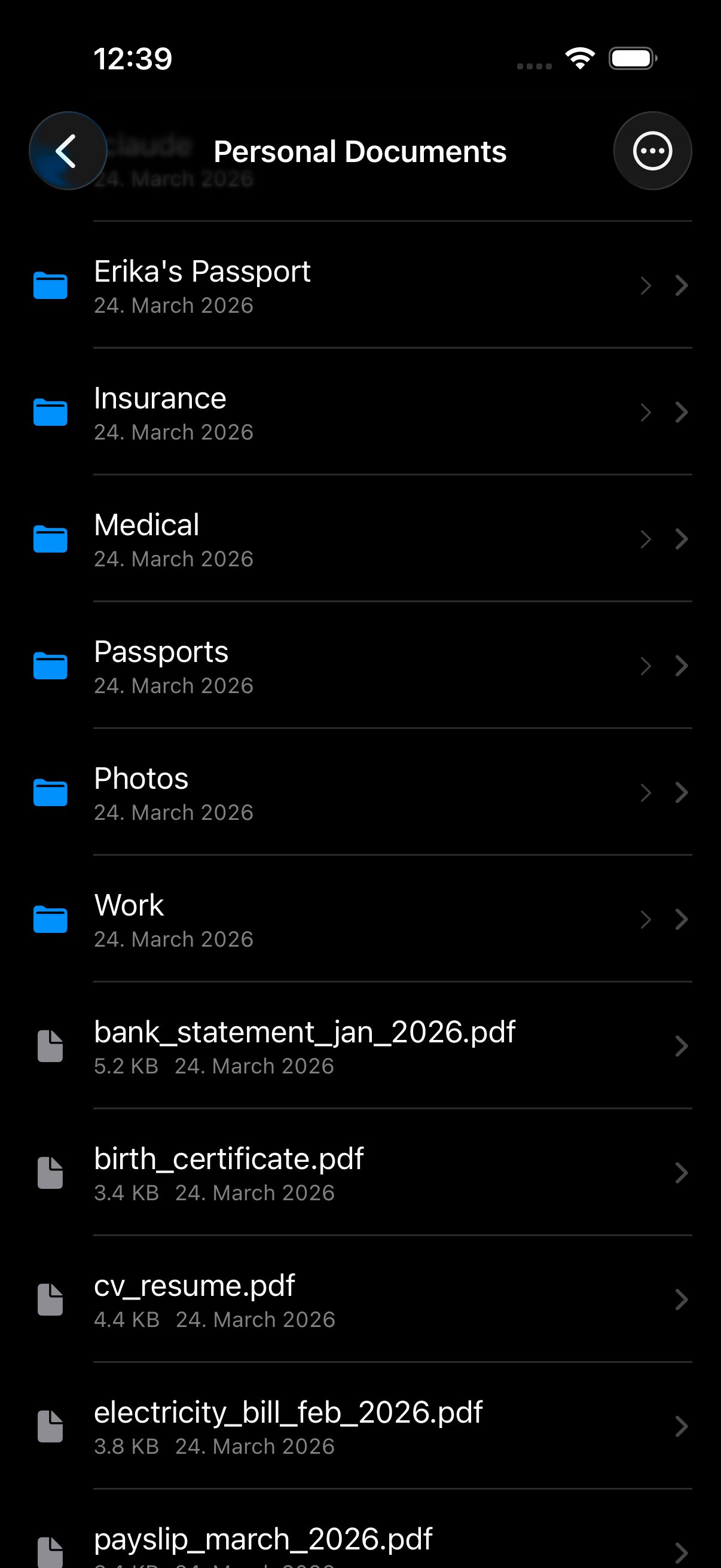
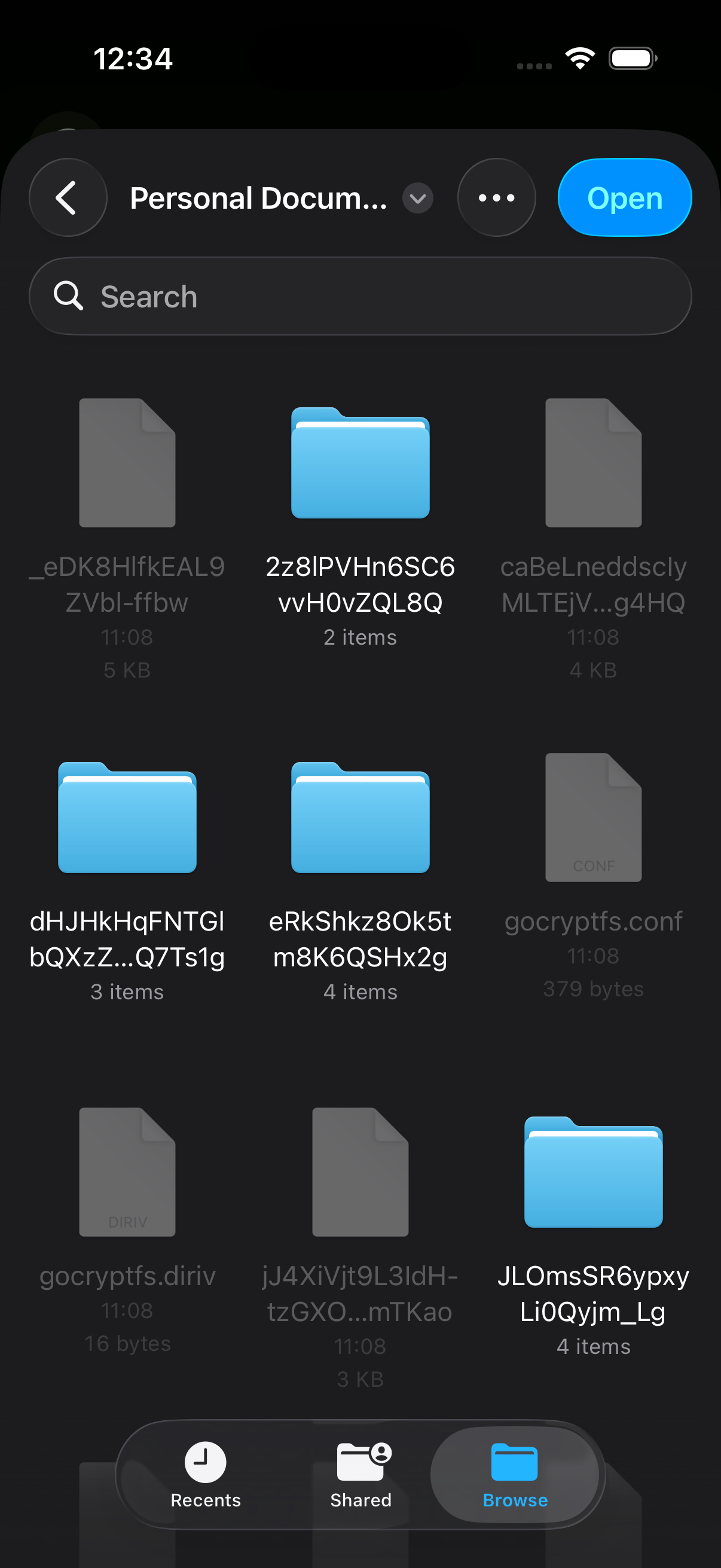
Encrypted folders appear in the Finder sidebar as real volumes. No terminal, no mount scripts — open, edit, save like any other folder.
No subscription. No account. No telemetry. Privacy is a right — access to its tools shouldn't depend on your wallet.
Store encrypted folders inside any sync provider. Your cloud provider sees only opaque ciphertext.
The app cannot phone home. Passwords live in the macOS Keychain for the session only.
Built on a battle-tested, audited library. Volumes stay portable across Linux, Android, Windows — and iOS.
Multiple encrypted folders, each unlocked independently. Filenames are encrypted too — nothing to infer from the ciphertext.
Built under some of the world's most demanding privacy standards. By someone who lives under them daily.
FileVault encrypts your disk — but unlocks it when you log in. MyCryptFS vaults are independently locked. Sensitive folders stay encrypted even while you work, even if your account is compromised.